From saved product photo to outfit idea
Try on SHEIN clothes on your own photo
Compare a SHEIN top with trousers and shoes before deciding what to order. Save a product photo or screenshot, then upload that clothing image alongside your own photo in Private Try-On. This browser workflow creates a style preview; it does not connect to your SHEIN account or import a product link.
Private Try-On is not affiliated with SHEIN.
Open the studio with your own photo
Choose the exact piece, not the whole styled look
Start on the product page for the color you actually want. If the gallery offers a clear flat lay or an isolated garment on a plain background, use that view when it shows the whole neckline, sleeves and hem. A front-facing model shot can also work when hair, hands and accessories do not hide the item. A close-up of fabric is useful for shopping, but does not describe the complete garment for a preview.
For a coordinating SHEIN set, check which pieces are included and save separate references for the top and bottoms when available. Do not treat a model's bag or footwear as part of the purchase. Keep the item name, color and product link in your own notes so a similar-looking listing does not replace your original choice.
Save a useful image on phone or desktop
On your phone, open the product image at a readable size. If your browser offers an image-saving action after a long press, save it; otherwise take a screenshot and crop away navigation, prices and promotional badges. On desktop, use the browser's image-save option where available, or capture the visible image with your screenshot tool. Keep the complete garment in frame. Use only images you own or have permission to process; saving a picture does not grant new usage rights.
Build one outfit in the studio
Upload a clear photo of one clothed adult, then add the SHEIN reference to its matching clothing role. The core roles are top, bottoms and shoes. Include your legs for trousers and your feet for footwear. You can pair the saved piece with permitted images of clothes from your own wardrobe or another store. Compare one change at a time, such as a different top color, and inspect the result against every original image.
Know when a reference is too ambiguous
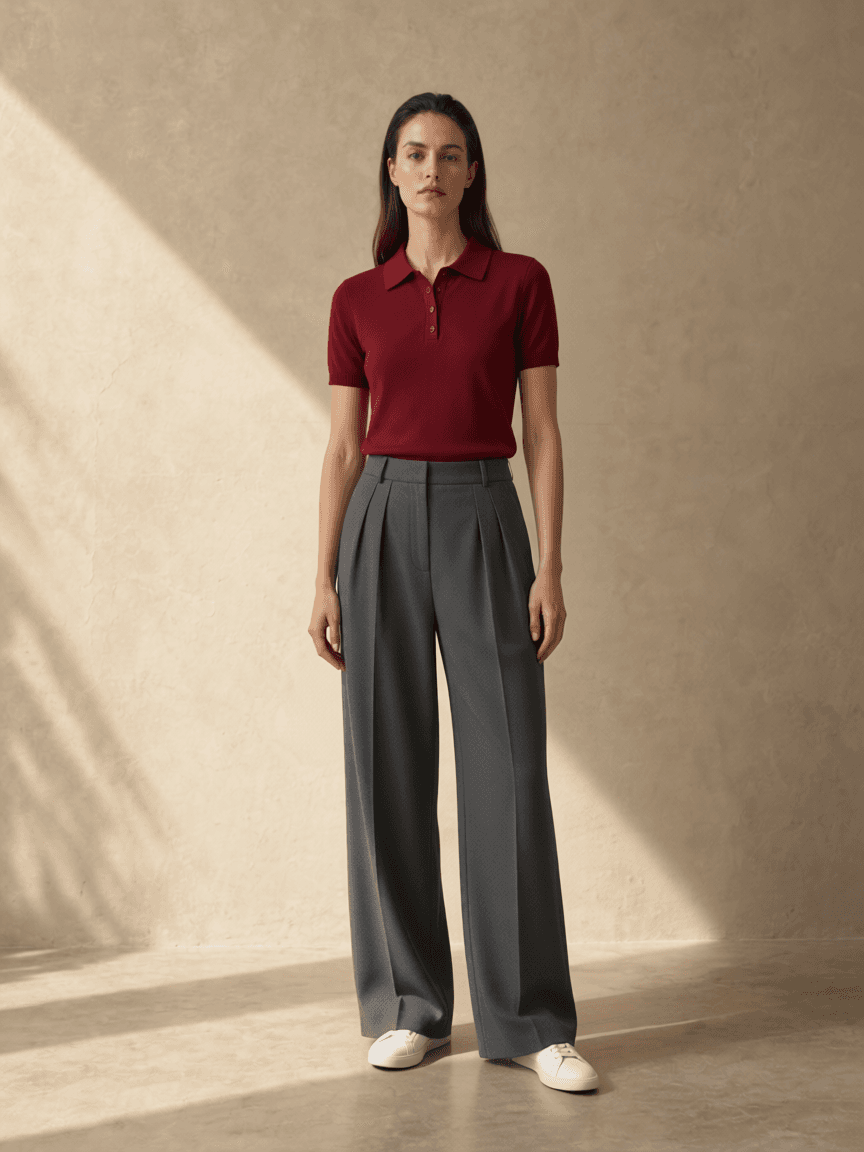
Heavily layered outfits, sheer fabric, complex cut-outs and tiny repeating prints can be reinterpreted. A mannequin-only image may hide how a garment hangs, while a seated pose can obscure a skirt or trouser shape. Prefer a clearer alternative when available. If all images conceal the outline, the preview has too little evidence to resolve that detail. The recorded example below uses our existing synthetic references, not SHEIN merchandise.
Return to SHEIN for sizing and purchase terms
SHEIN's size guidance directs shoppers to the measurements on each product page, with centimeters and inches available. Check whether the chart describes body or product measurements, then compare the relevant values with your measurements or a garment you own. Read the selected item's material information and the return policy for your market and order before buying. A generated waistline, sleeve length or smooth fabric surface cannot establish physical fit.
Questions about SHEIN outfit previews
Can I paste a SHEIN product link?
No. Save a permitted product photo or screenshot and upload the image as a clothing reference. Product links are not imported.
Will the preview tell me my SHEIN size?
No. Use the item's size chart, garment details and applicable return policy. This is an AI style preview, not a size recommendation or fit guarantee.
AI style preview only, not a size or fit guarantee. Read how photos are processed.