Virtual try on clothes
Try a sample piece, then explore your own outfit.
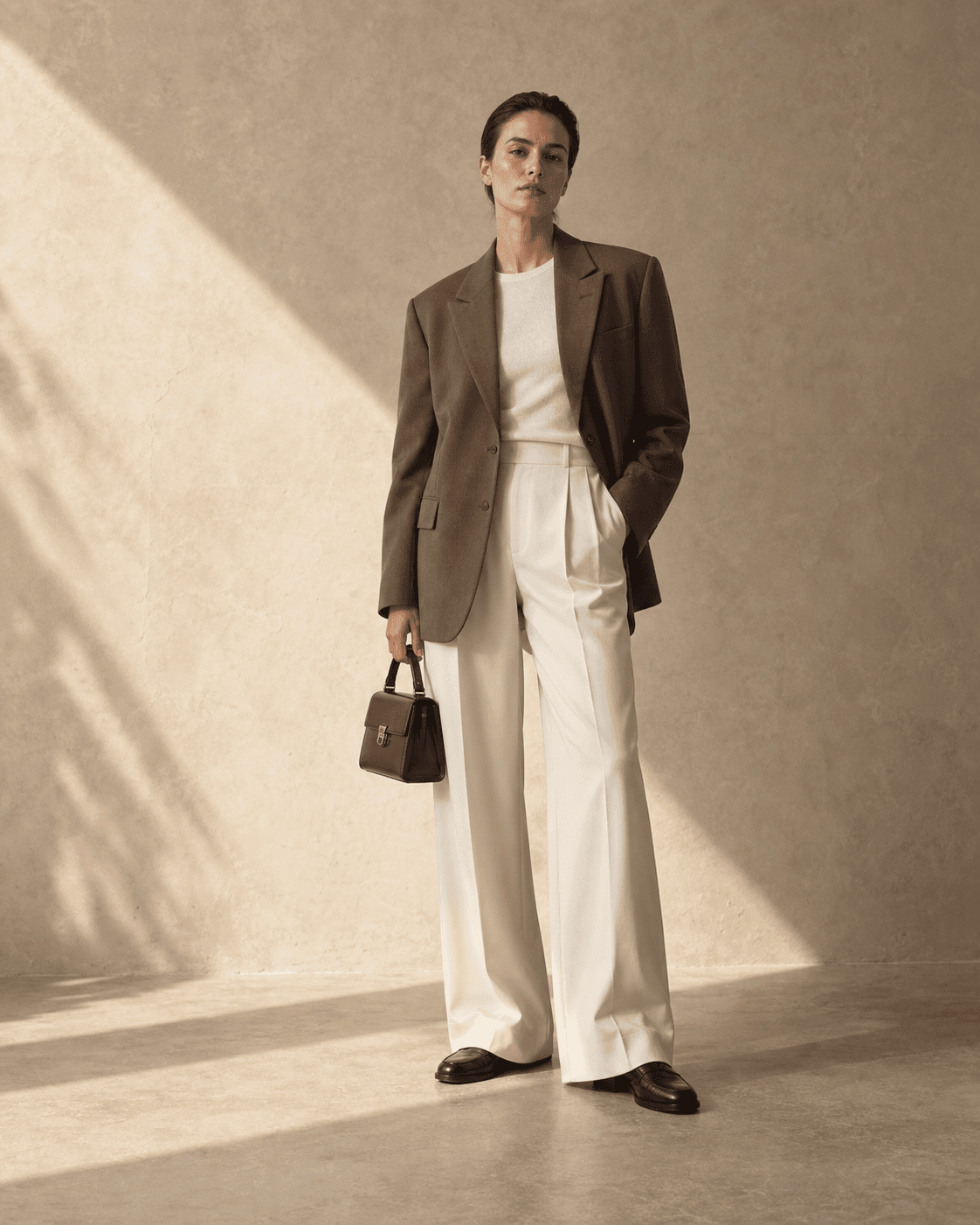 Synthetic adult model
Try one sample item without an account or card. Combine multiple items in the account studio. One attempt per IP every 24 hours; failed generations count. Shared connections share the limit. Limited daily availability.
Clothed outfit previews only. No nudity, undressing or sexual content. Content safety checks apply; requests are refused if checks cannot be completed.
What you can use it for
Virtual try on clothes means using a generated image to explore how selected pieces might look together on a person. It can help you shortlist an outfit, but it cannot show how a fabric feels, whether a waist is tight, or which size to order.
Put a shopping shortlist together
In the account studio, compare a saved top, trousers and shoes in one view instead of switching between product tabs.
Plan an occasion outfit
Check whether colors and the overall silhouette suit the look you have in mind for work, dinner or a weekend trip.
Recombine clothes you own
Photograph pieces separately in clear light and try a new pairing before pulling everything out of your wardrobe.
Use a browser fitting room
Open the page on a phone or computer without installing an app. For a travel wardrobe, choose a small set of clothes and evaluate one combination at a time. Keep the camera level, roughly at waist height, and far enough away to avoid a wide-angle view. This is a photo-based fitting room: it does not scan your body, calculate a clothing size, measure fabric pressure or replace a physical fitting. Use the picture to prepare a shortlist, then check comfort and movement with the real garment.
Understand what private means
Your uploads are not published in a public gallery, but generation is not performed entirely on your device. Your inputs pass through our server to Agnes. Our retention rules and the provider's own processing boundaries are different subjects; a private account does not imply that no external service receives an image. Read the photo-handling explanation below before choosing personal photographs. On a shared device, avoid leaving a draft or downloaded result available to the next person and sign out after using your account.
Choose an occasional purchase without renewal
When checkout is available, the pricing page lists active one-time image-credit packs separately from monthly subscriptions. A pack purchase does not start recurring renewal. Use the current pack price and the studio's displayed generation cost to decide whether it suits the number of outfits you want to explore. Each new preview or separate background edit uses the applicable allowance. Image packs do not provide a runway-video plan entitlement, and image and video balances cannot be treated as interchangeable.
Review the shopping decision separately
For each shortlisted item, keep its product link, selected color and size-chart details beside your downloaded preview. Check whether the seller describes a relaxed or fitted cut and whether returns are practical for your order. A generated picture can smooth creases, shorten a top or change the apparent body shape, so none of those visual changes establishes what will arrive. Stop when the preview answers your styling question; buying more generations cannot confirm a garment measurement.
Photos that give the tool a clearer starting point
- Use even daylight and a simple background. A single person, facing forward, is easier to interpret than a group or angled pose.
- Keep the body area you want to dress visible. Include the legs for trousers and the feet for footwear.
- Save clear individual product photos; avoid screenshots filled with prices, labels or several different garments.
- Compare the result with the original item photos. Look for changed colors, missing details and altered garment lengths before making a decision.
Only use photos of yourself or an adult who gave you permission, and clothing images you have the right to use.
Where your photos go
The no-account demo sends only our synthetic adult model and your one selected sample item for generation. Its result is shown on this page and is not saved to an account gallery.
Choosing your own images here does not upload them. When you continue to your account, a compressed draft is saved on this device with a 30-minute expiry. It is deleted when restored in the studio or next checked after expiry. Generation starts only when you submit in the studio; original uploads are then held temporarily in server memory for up to 30 minutes, and new generated results are stored privately for 30 days.
Images are still sent to Agnes to create the requested result. Retention after generation may still apply, and immediate deletion is not claimed. Based on written confirmation from Agnes support, uploads sent for generation are not used for model training. We cannot link a public Agnes policy for this.
Questions before you try
How can I try on clothes online?
Choose one sample item above without an account, or select Use my photo to prepare a person photo and clothing images. Continue to the studio through registration to generate your own outfit with multiple supported pieces. The result is a styling illustration, not a physical fitting.
Can I use clothes from different stores?
You can combine separate clothing images that you have permission to use. There is no need to connect a retailer account. This page does not import a shopping cart or place an order.
Is virtual try on accurate enough to choose my size?
No. Use the result to explore visual combinations. Refer to the retailer’s size chart, garment measurements, material information and return terms for a purchase decision.
Can I try it without creating an account?
Yes. Choose one sample item: a top, trousers or shoes. We generate a preview of that item on our synthetic adult model. The limit is one attempt per IP address every 24 hours, shared by everyone on that connection. Failed generation attempts also count. A separate site-wide daily limit applies, so the demo can be temporarily unavailable. Using your own photo or combining multiple items requires an account in the studio.
Does this tool remove clothes or generate nudity?
No. Private Try-On is for clothed outfit previews only. It does not support undressing, nudity or sexual content. Requests and generated images are subject to content safety checks, and generation is refused when those checks cannot be completed. The no-account demo accepts only our approved sample model and garments.
What happens to my photos?
Selecting your own photos on this page does not upload them. Continuing to registration saves a compressed draft on this device with a 30-minute expiry; it is removed when restored in the studio or next checked after expiry. Generation in the studio sends inputs to Agnes and stores new results privately for 30 days. Agnes may apply its own retention. The no-account sample result stays on the current page and is not added to an account gallery.