Online shopping
See how saved pieces work together before checkout.
Private Try-On
Add one clothing image to create an AI outfit preview. Try 5 outfits free after verifying your account — no card needed. Your uploads are not published.
Keep going with 10 image credits for $2.99, or choose a monthly plan. See pricing.
Synthetic whole-outfit demonstrations, not customer photos or footage; AI previews may alter details and do not guarantee fit or sizing.Explore runway video on Pro plans
No-upload sample
Explore a sample model and matching clothing references. No upload or credits needed.
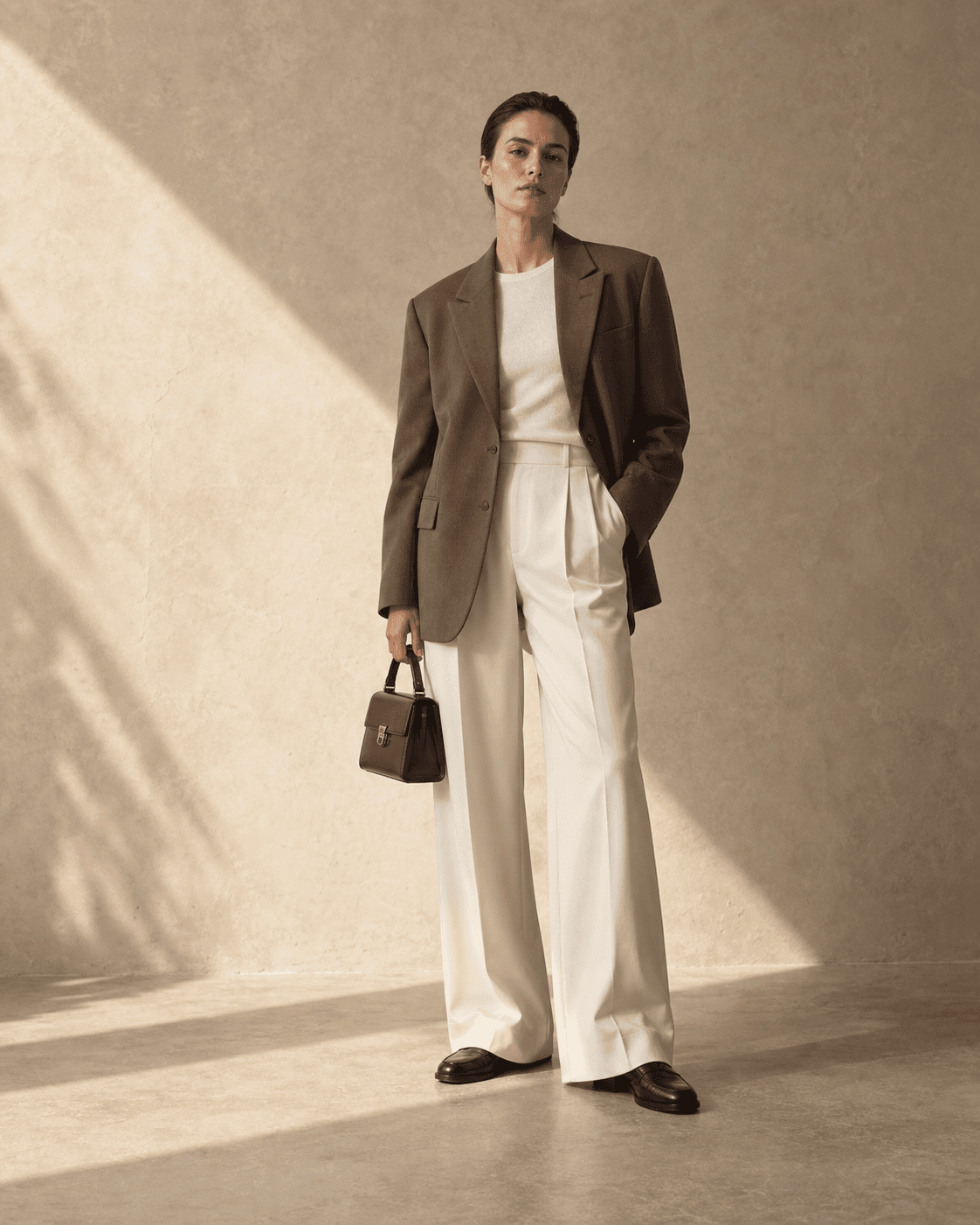
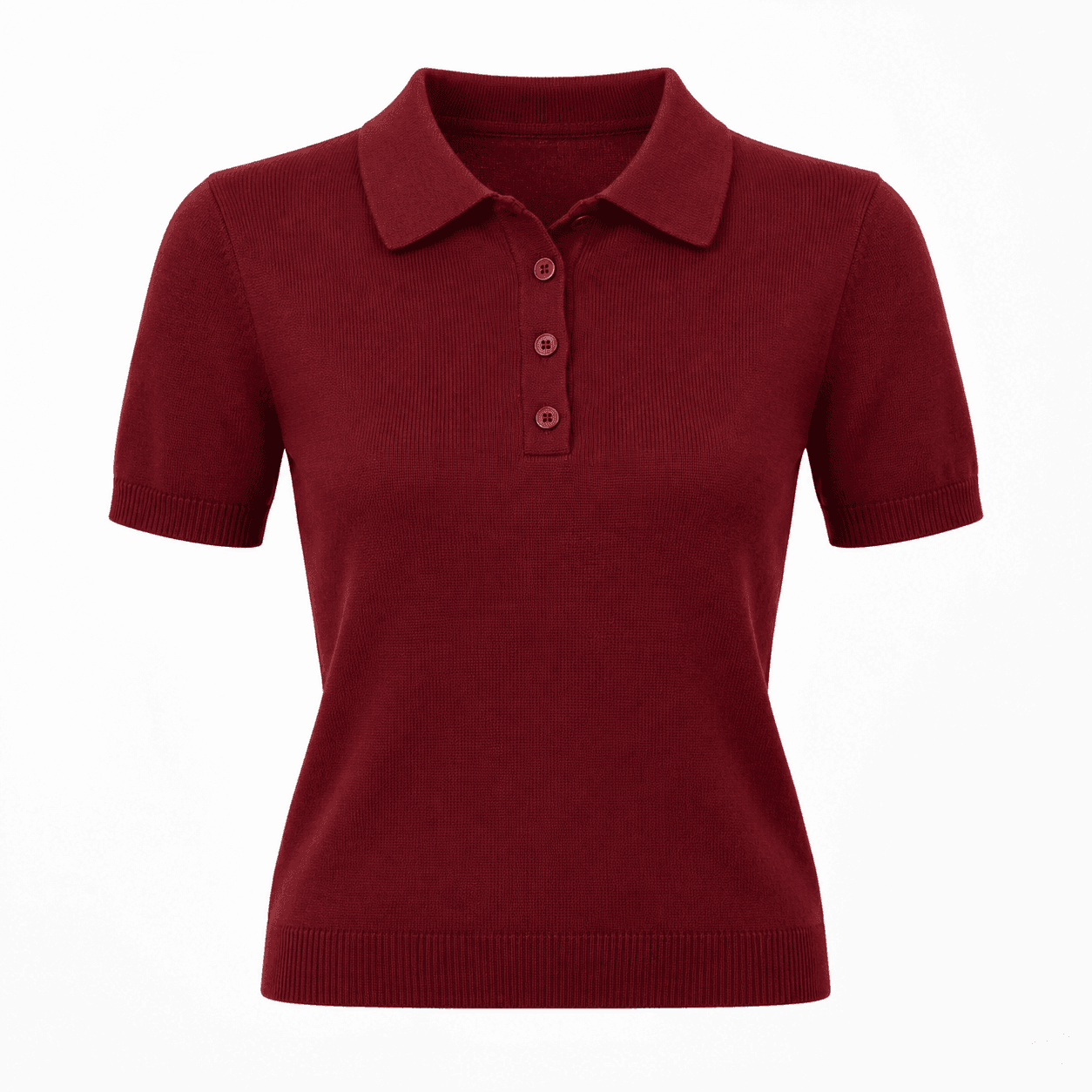
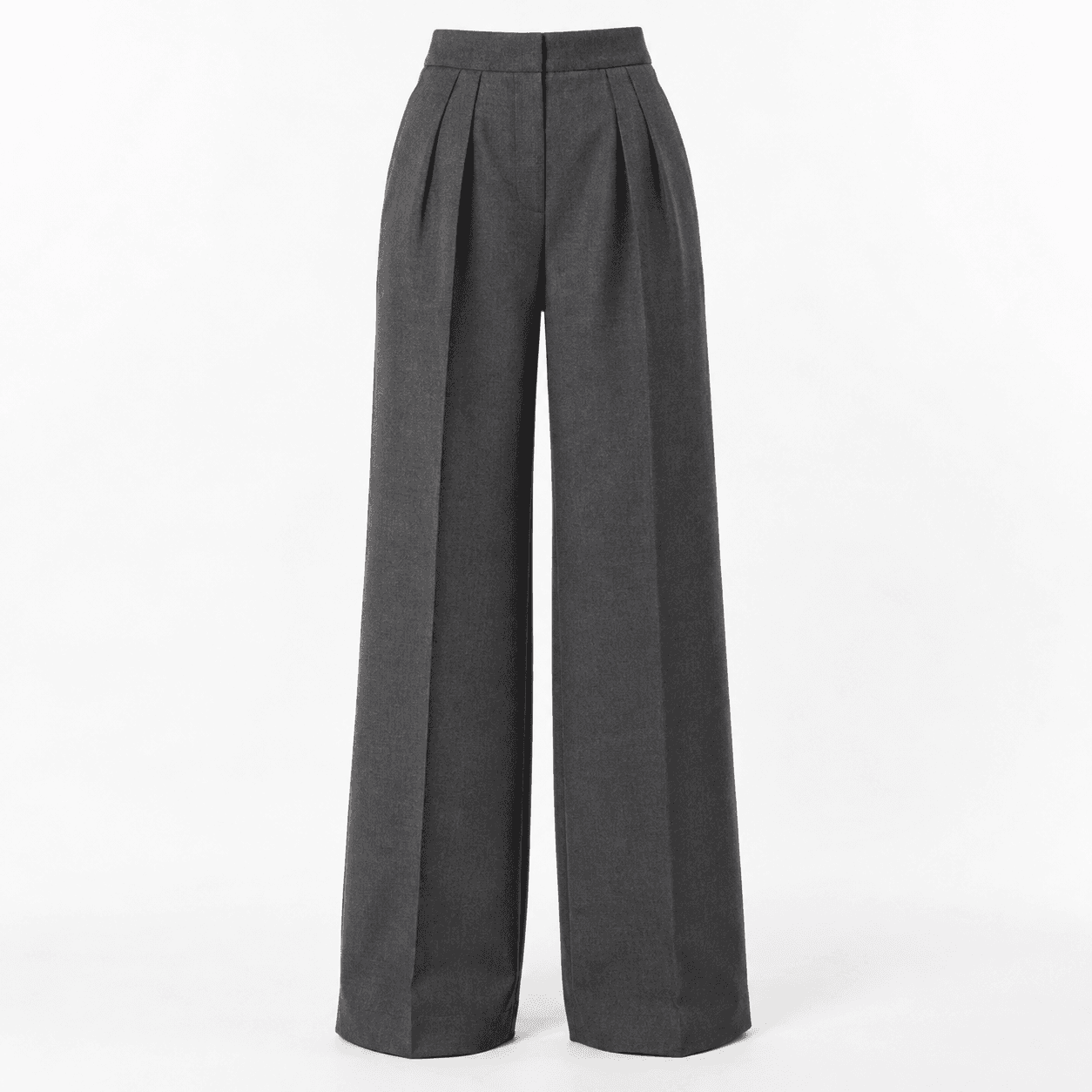
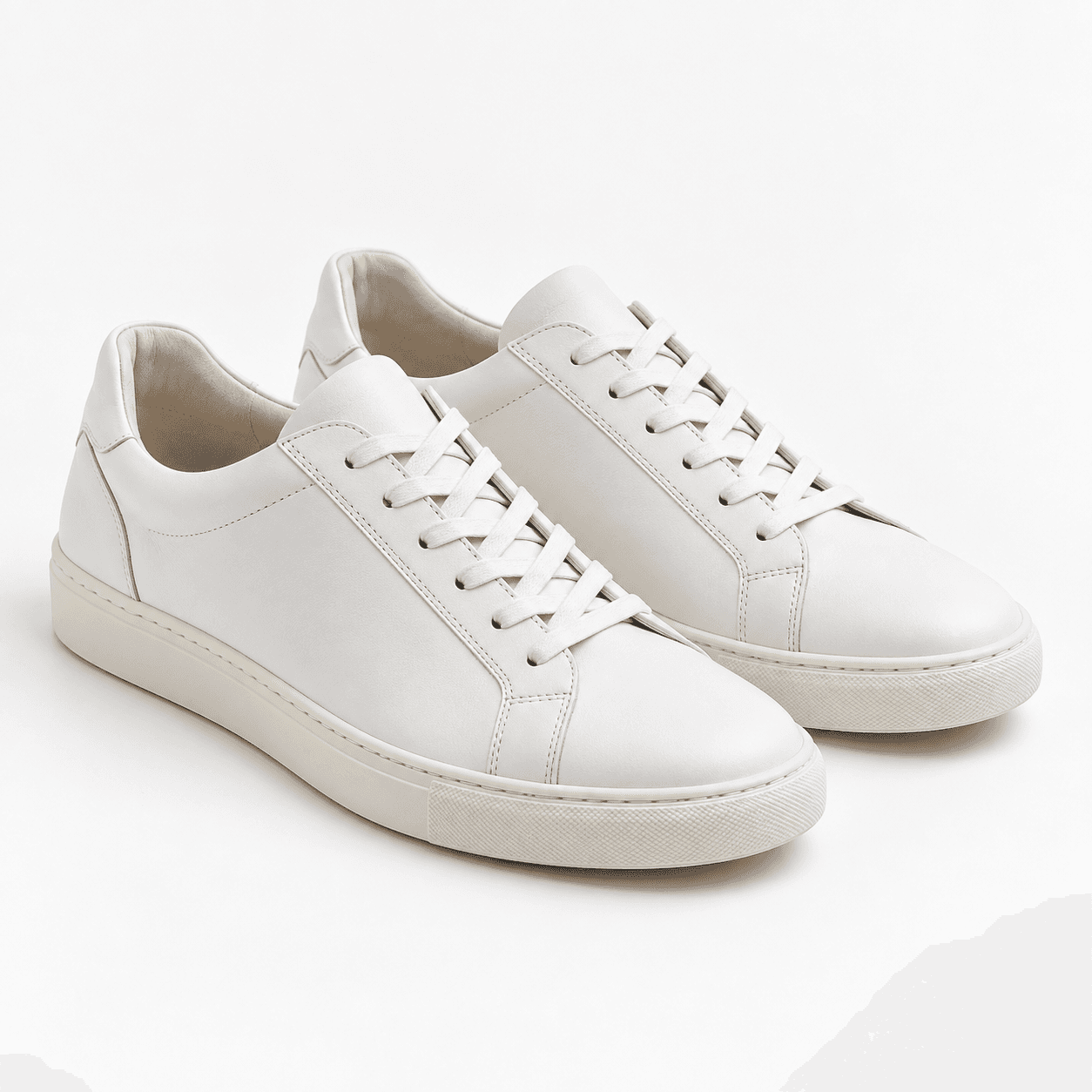
Your sample result appears here.
Select “See the result” to reveal the earlier preview.
Private Try-On combines your photo with one or more clothing images to create an AI outfit preview in your browser. Compare colours and styling before deciding what to wear.
People who have selected clothing pieces and want to explore their colours, proportions and overall appearance together.
Find your signature vibe
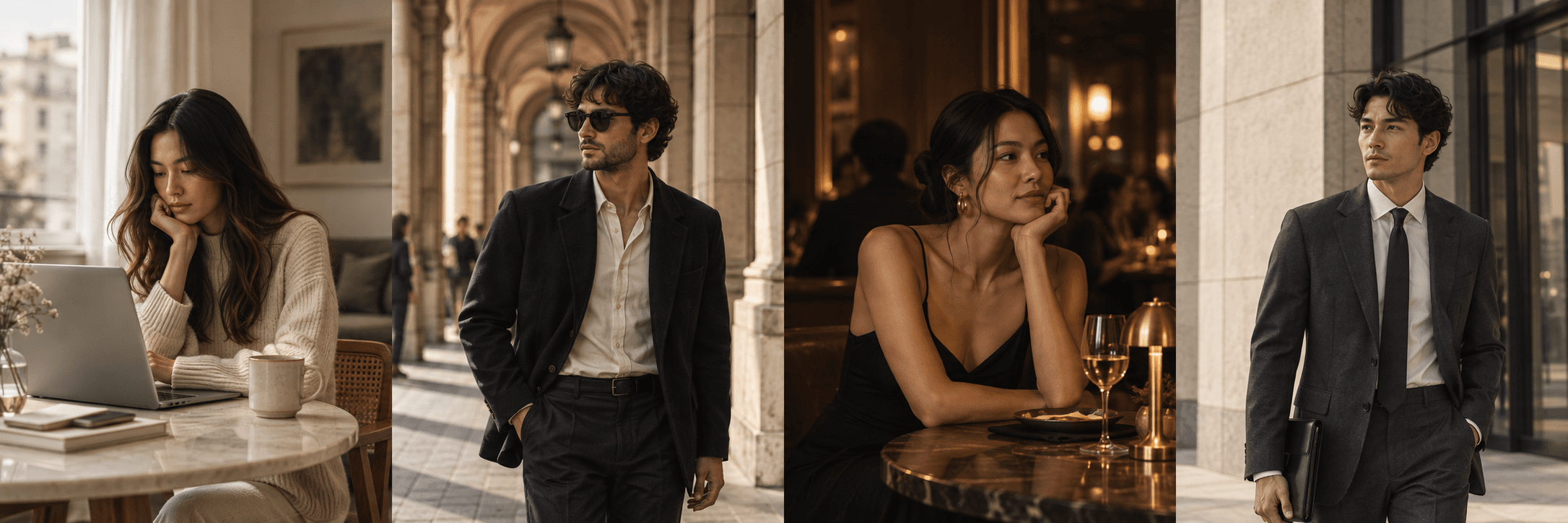
See how saved pieces work together before checkout.
Put together a complete look for tonight.
Choose the outfit that feels most like you.
Walk in feeling considered and prepared.
You may already like a shirt and still be unsure whether it works with your trousers and shoes. Start there: choose the exact item images and one occasion, such as a relaxed dinner or an office day. A useful preview answers a specific question about a combination. It does not need to redesign your wardrobe or tell you which style to prefer.
For a first attempt, use one clear person reference and a simple garment. Keep the original images nearby. If you want to compare a second option, change one piece and retain the others. Look at the resulting color balance and outline, then check whether the generator altered anything important. A redrawn neckline, changed trouser length or missing pattern may make the picture attractive while making it less useful for the actual purchase.
You can also start with the sample demonstration above when you do not want to choose a personal photograph yet. It explains the general workflow using a synthetic adult model. The sample's result is one example, and it does not establish how a different photograph or difficult garment will turn out.
Download an outfit you want to compare later and keep a note of the real items behind it. Before ordering, return to each retailer's original product details for measurements, material and returns. If your question is whether a jacket feels restrictive or shoes are comfortable, a picture cannot settle it. Use the preview to narrow the styling choice and reserve the physical checks for the real clothing.
See the whole outfit
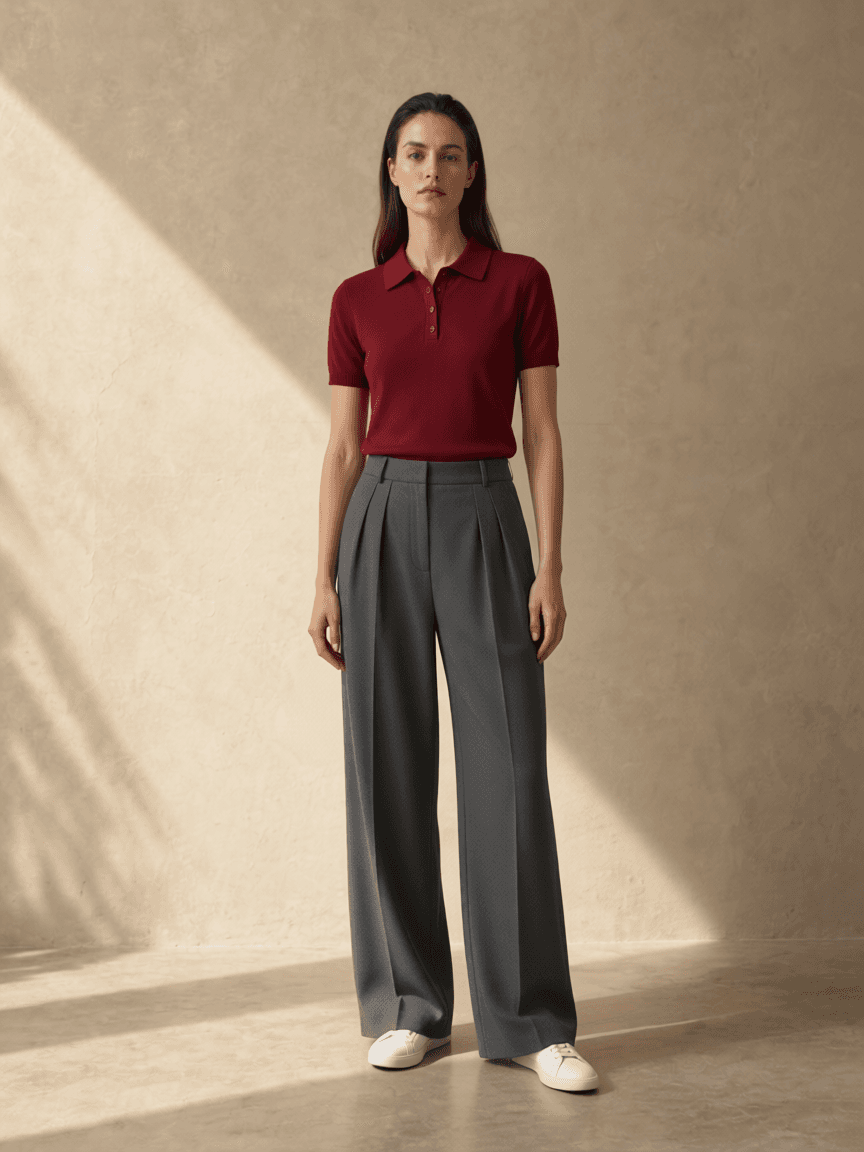
Read the full test and its limitations →
Prepare your own product images →Try 5 outfits free — no card needed
Open your outfit studioStyle it your way
Add a clear full-body photo—or create an approximate model from your measurements.
One clothing image is enough. Add a top, trousers, shoes or other available pieces when you want to build a complete look.
Review the combination, swap one piece and keep refining until the outfit feels like you.
Private by design
Your uploads are not published or shown in a public gallery. Agnes processes your images to create the result. Read our privacy notice for how images are handled and retained.
Read how your photos are handled →Yes. Start with a clear photo of yourself, then add the product images you want to compare. You must have permission to use every image you submit.
Yes. An eligible verified account receives 5 image credits once without a card. A photo-mode outfit uses 1 image credit. The free allowance does not refill each day.
No. Runway video is available only on an active Pro or Pro Max plan. A 10-second 720p clip uses 1 video credit. A shorter motion preview for one outfit direction.
Your uploads are not published or placed in a public gallery. Agnes processes the images to generate your result; see the privacy notice for processing and retention details.
Yes. Add your person reference and one clothing image to start. You can add more pieces, such as a top, bottoms or shoes, using the available roles in the studio.
No. Open the studio in your browser on a phone or computer. You can also add Private Try-On to your home screen when your browser supports it.
Your look. Your vibe.
Find the one that feels like you.
Try 5 outfits free — no card needed
Open your outfit studio