From saved product photo to outfit idea
Try on H&M clothes on your own photo
Try an H&M clothing combination on a photo of yourself before choosing what to order. Save a permitted product image or screenshot, then add it as a separate clothing reference in Private Try-On. The studio works in a browser; it does not connect to H&M or accept a product URL as an image.
Private Try-On is not affiliated with H&M.
Open the studio with your own photo
Match the image to the stated cut
On the H&M product page, read the description alongside the pictures. Fit and length details can explain whether the intended look is loose, long or cropped. Select the exact color you want before saving. When the gallery offers both an isolated garment or flat lay and a model view, choose the one that shows the neckline, sleeves and hem without obstruction.
A model's styling can hide those details. Rolled sleeves, a tucked hem or a jacket over a shirt may make a simple piece appear shorter or more fitted than it is. Prefer an untucked, unobstructed view when length is the question. Keep the article number and color with your saved image so similar H&M basics stay distinguishable.
Save a clear reference on your device
On phone, view the chosen garment image as large as the page permits. If a long press exposes an image-save command in your browser, use it; otherwise capture a screenshot. Crop out the page controls and labels while leaving the whole garment visible. On desktop, use an available browser image-save option or the computer's screenshot tool. Check the saved file before uploading: tiny thumbnails and cropped shoulders make poor references. Use only images you own or have permission to process.
Try one wardrobe combination at a time
In the studio, add your clear person photo and separate top, bottoms and shoe images to their matching roles. Use a photograph of one clothed adult with even lighting and a natural stance. Include legs and feet if those items matter to the outfit. Pair an H&M top with a permitted image of trousers you already own, for example, then compare a second top using the same remaining references. Generation can still change the face, pose or garment details.
Be careful with knits, layers and hidden shapes
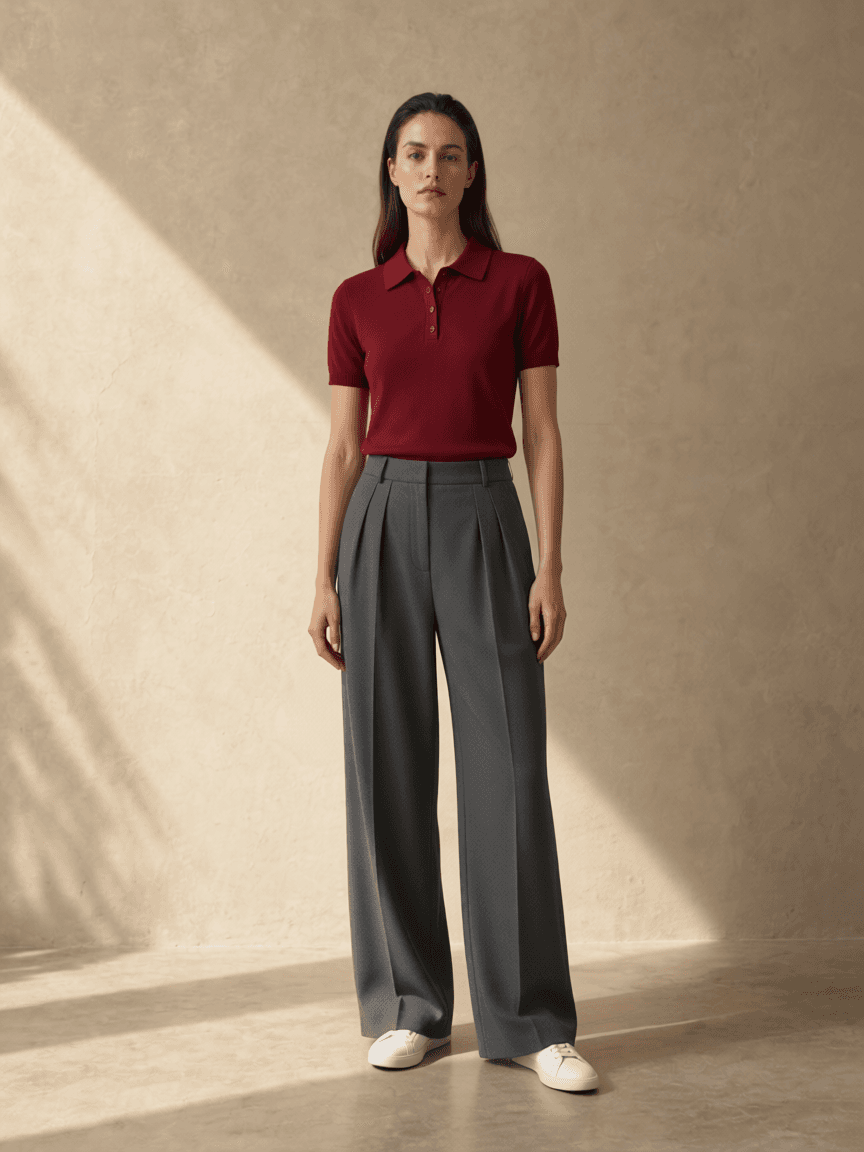
A folded knit can hide sleeve length; a heavily layered look can merge several garments into one shape. Mannequin-only views, translucent fabrics, ribbed textures and fine stripes can also be reinterpreted. Look for an unobstructed alternative, and compare the output with the original rather than assuming the model preserved the fabric. Our recorded example uses existing synthetic clothing references, not H&M merchandise, and shows one result rather than a retailer-specific accuracy test.
Keep sizing and returns with H&M
Use H&M's size guide for the selected item and read any listed garment dimensions, fit description and material composition. A generated loose silhouette does not establish room at the shoulders or waist, and a smooth-looking knit does not establish softness or stretch. Review the current return policy for your country and order before purchasing. The preview helps compare a visual direction; actual measurements, comfort and the retailer's terms still determine whether the purchase suits you.
Questions about H&M outfit previews
Can I combine an H&M top with clothes from another store?
Yes. Upload separate permitted clothing images in the matching studio roles. There is no need to connect a retailer account.
Will the preview preserve H&M's exact fit and fabric?
That is not guaranteed. AI can change proportions, texture and details. Use H&M's size chart, product information and applicable return policy for the purchase decision.
AI style preview only, not a size or fit guarantee. Read how photos are processed.