One cart, one complete decision
How to See a Whole Outfit Together Before You Buy Online
A product page makes each item look convincing on its own. Your actual decision is harder: will the exact top, trousers and shoes feel coherent when they become one outfit? These three free methods answer different parts of that question.
Why separate product photos can mislead you
Retail product images are made one item at a time. The top may be photographed close up against a bright background while the trousers appear on a tall model and the shoes use a dramatic side angle. Each image has its own crop, lighting, styling and scale. Your eye therefore compares three marketing compositions rather than one outfit.
That separation hides practical conflicts. A loose top and wide trousers may create more volume than expected. Two warm neutrals can clash when their undertones differ. A heavy shoe can pull attention away from a light upper half. None of these problems means an item is bad; it means the combination needs to be judged together.
Start with the exact products in your cart. Avoid substituting a similar Pinterest image, because a different neckline, trouser rise or shoe shape can change the answer. Save clear screenshots for private comparison and keep the retailer pages open for the final size, material and return-policy checks.
Three free ways to compare the whole outfit
1. Make a flat-lay collage
Place the top, trousers and shoes on a blank canvas in Canva, a phone collage app or a slide. Remove backgrounds if that is easy, but do not spend time making it beautiful. Match the approximate visual scale, then look at color, contrast, silhouette and where the eye lands first.
A collage is the clearest way to preserve the original products. It is also the weakest method for understanding how the clothes relate to a body. Garments float independently, and the collage cannot show where the top ends against the trousers or how the shoe weight balances the full silhouette.
2. Build a private Pinterest board
Create a private board for one occasion and pin the exact products plus a few reference outfits. This works well when you are still choosing a direction: minimal, relaxed, formal or high contrast. Grouping references can reveal that your cart mixes two different moods.
A board is useful for inspiration, not proof. Reference images often show different products, bodies, poses and lighting. Do not treat a visually similar pin as evidence that the items in your cart will fit or drape the same way.
3. Generate one AI whole-outfit preview
An AI preview adds on-person context. You provide a person reference and separate images for the selected top, trousers and shoes, then review one generated combination. This can make proportion and overall styling easier to judge than a flat collage.
The tradeoff is fidelity. A generator may change garment details, body shape, face, pose, background or color. It can show a possible style direction, but it cannot verify the merchandise. Always compare the result back to the original product images.
Use Private Try-On for the on-person comparison
- Save one clear person reference that you own or have permission to process.
- Save the exact top, trousers and shoes from the retailer pages.
- Crop away prices, buttons and unrelated models where practical.
- Create an account, open the Outfit Studio and upload every image in its matching role.
- Generate the preview, then compare every visible garment detail with the originals.
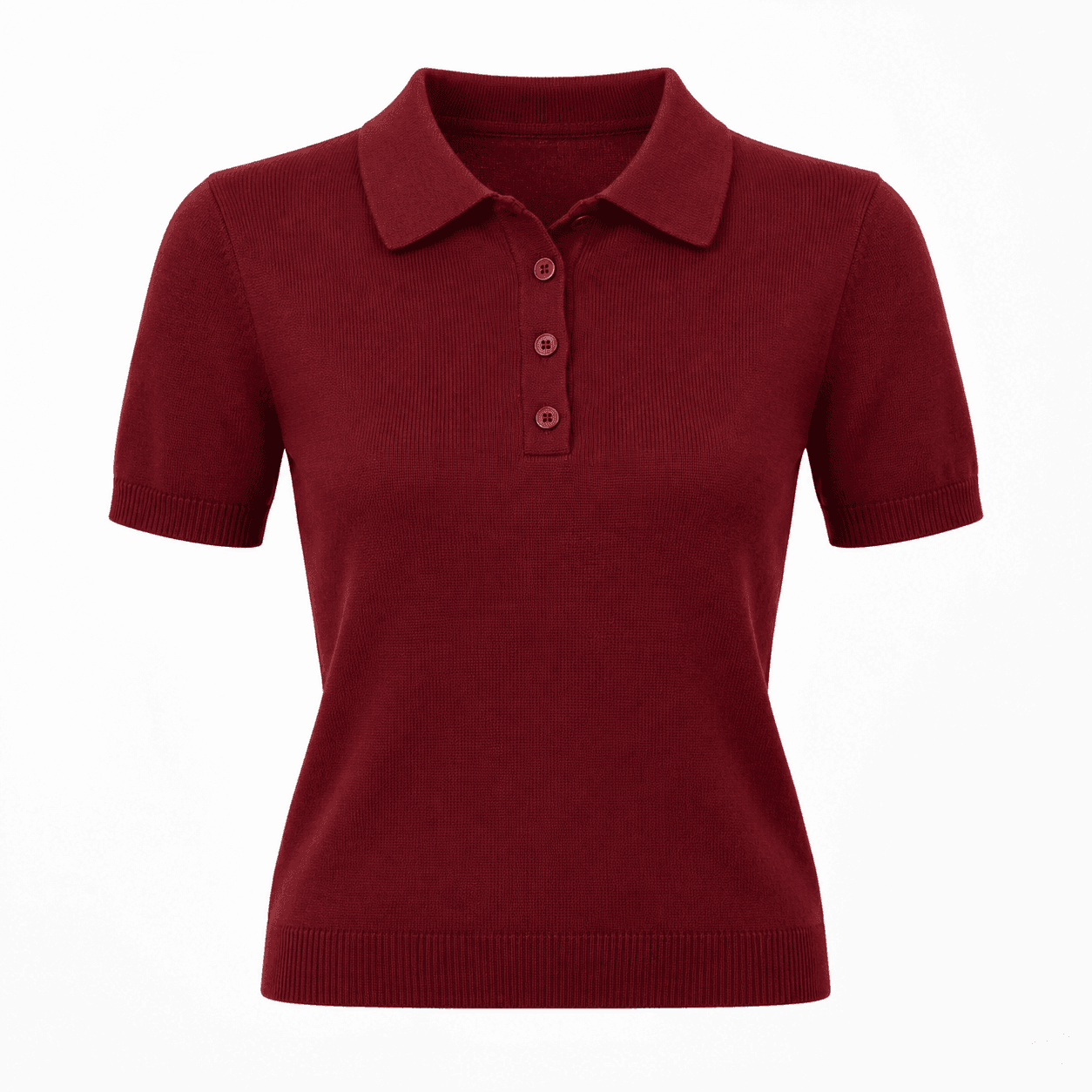
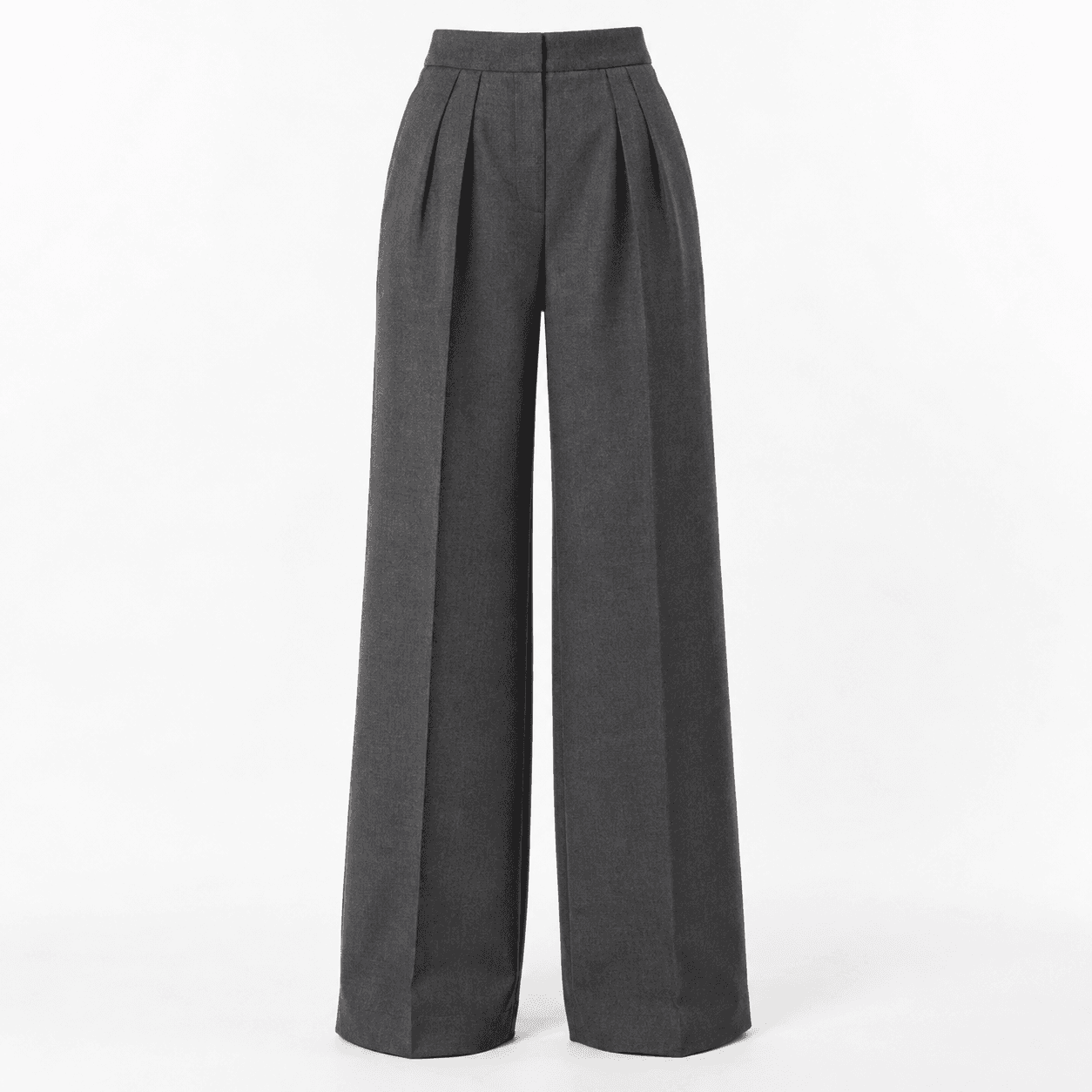
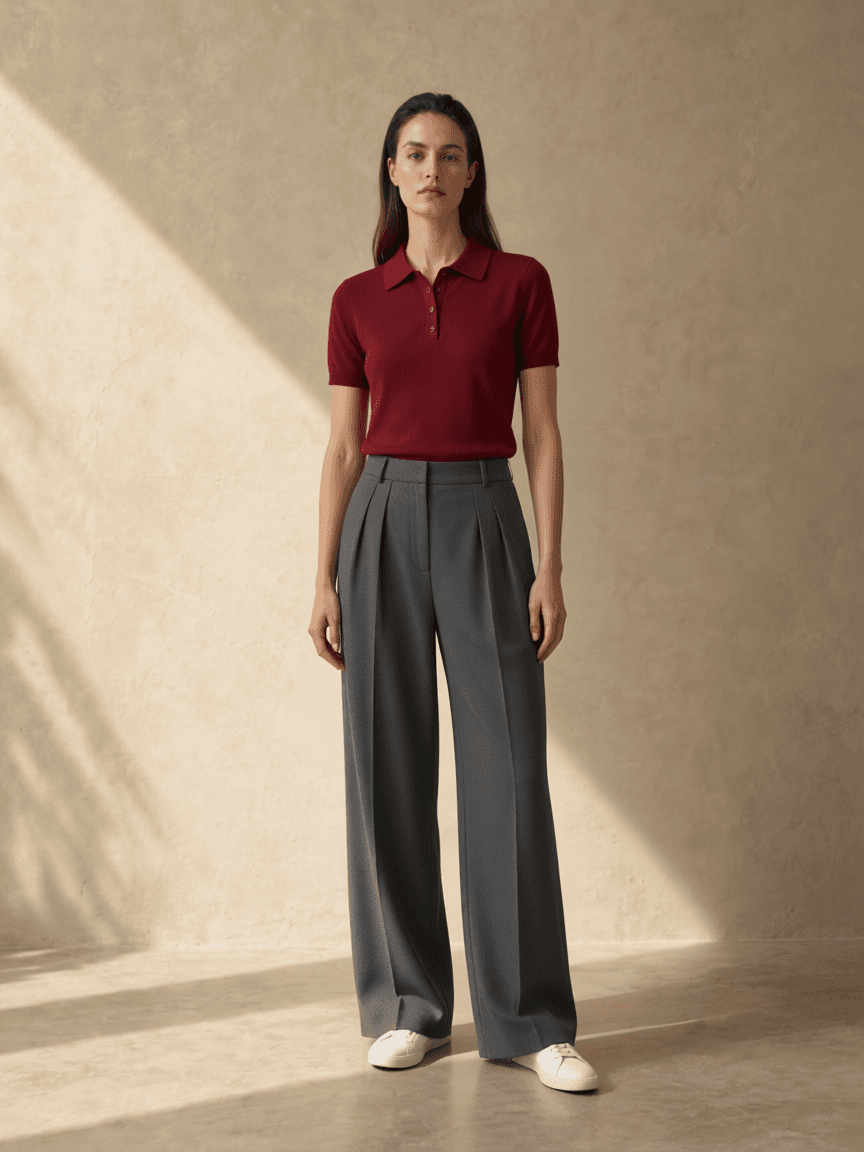
What a preview cannot tell you
It cannot choose a size. Product photos do not contain reliable measurements of your body or the finished garment, and a generated image does not simulate stretch, compression or tailoring. Check the retailer's measurements and read the return conditions before paying.
It cannot reproduce fabric behavior. Weight, texture, transparency, stiffness and movement depend on physical material. A still image may suggest a smooth drape where the real fabric is crisp, or simplify a textured knit into a flat surface.
It also cannot guarantee exact details. Treat changes to prints, logos, fastenings, hemlines or color as generation errors. The source product page remains the authority for what is being sold.
Frequently asked questions
What is the fastest free way to see an outfit together?
Save the exact product images and place them in a simple flat-lay collage. It is quick and useful for color and visual-weight checks, although it does not show the clothes on a body.
Can an AI outfit preview tell me what size to order?
No. A generated preview cannot measure your body, garment construction, stretch or drape. Use the retailer's size chart, garment measurements and return policy for sizing decisions.
Should I trust every detail in the generated outfit?
No. Compare the output with each original product image. Prints, seams, logos, colors, proportions, faces and poses can change, so use the preview for overall direction rather than product verification.
AI style preview only. Not a guarantee of fabric, fit, sizing or exact product fidelity. Published October 11, 2026.